> ## Documentation Index
> Fetch the complete documentation index at: https://docs.modo.link/llms.txt
> Use this file to discover all available pages before exploring further.
# Promo Codes
Promo codes let users activate subscription access through a simple code flow. Instead of choosing a separate redemption path, the user enters the code into a single field, and Modo determines which code type was submitted and which subscription logic should be applied.
This keeps the flow fast and easy to understand. The user does not need to decide where the code belongs or what kind of code it is before entering it.
## Types of promo codes
Modo supports two main promo code types: **campaign codes** and **personal codes**.
Reusable codes designed for shared access during campaigns or events.
* Can be used by multiple users
* Often have expiration dates
* Used for hackathons, launches, onboarding
* Apply the same rules to all users
Single-use or individually assigned codes for specific users.
* Typically one-time redemption
* Linked to a specific user or case
* Can grant custom access conditions
* Used for direct onboarding or special grants
## How to apply a promo code
Promo codes are entered directly in the subscription page.
At the top of the page, you will see the **Promo Access** block with an input field labeled *Invite Code*. This is the only place where codes are applied.
To activate a promo code:
1. Enter your code in the **Invite Code** field
2. Click **Activate**
3. The system will automatically validate the code and apply the access
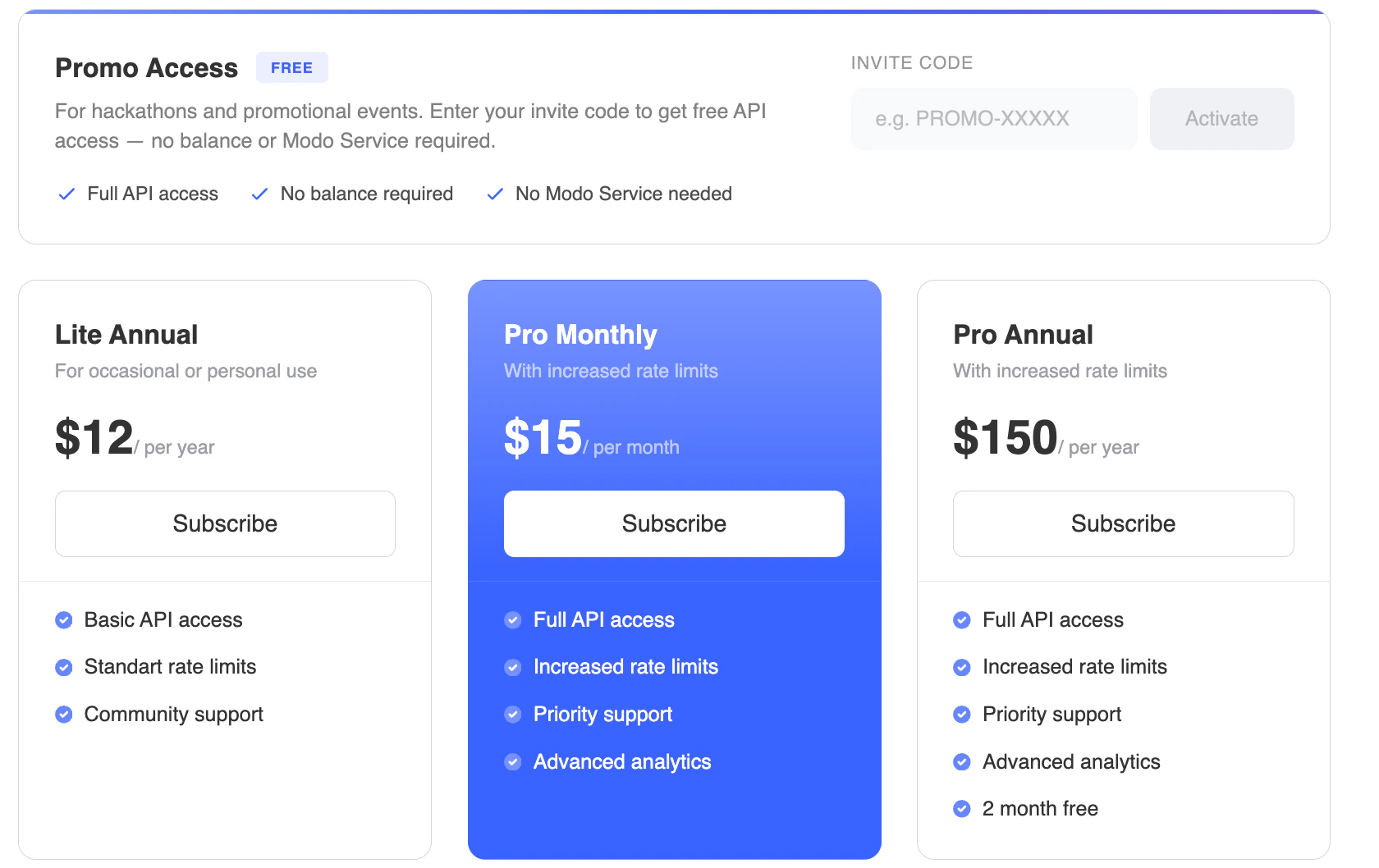 You do not need to select a plan before entering a code. If the code is valid, it will immediately grant the subscription conditions defined for it.