Types of promo codes
Modo supports two main promo code types: campaign codes and personal codes.Campaign Codes
Reusable codes designed for shared access during campaigns or events.
- Can be used by multiple users
- Often have expiration dates
- Used for hackathons, launches, onboarding
- Apply the same rules to all users
Personal Codes
Single-use or individually assigned codes for specific users.
- Typically one-time redemption
- Linked to a specific user or case
- Can grant custom access conditions
- Used for direct onboarding or special grants
How to apply a promo code
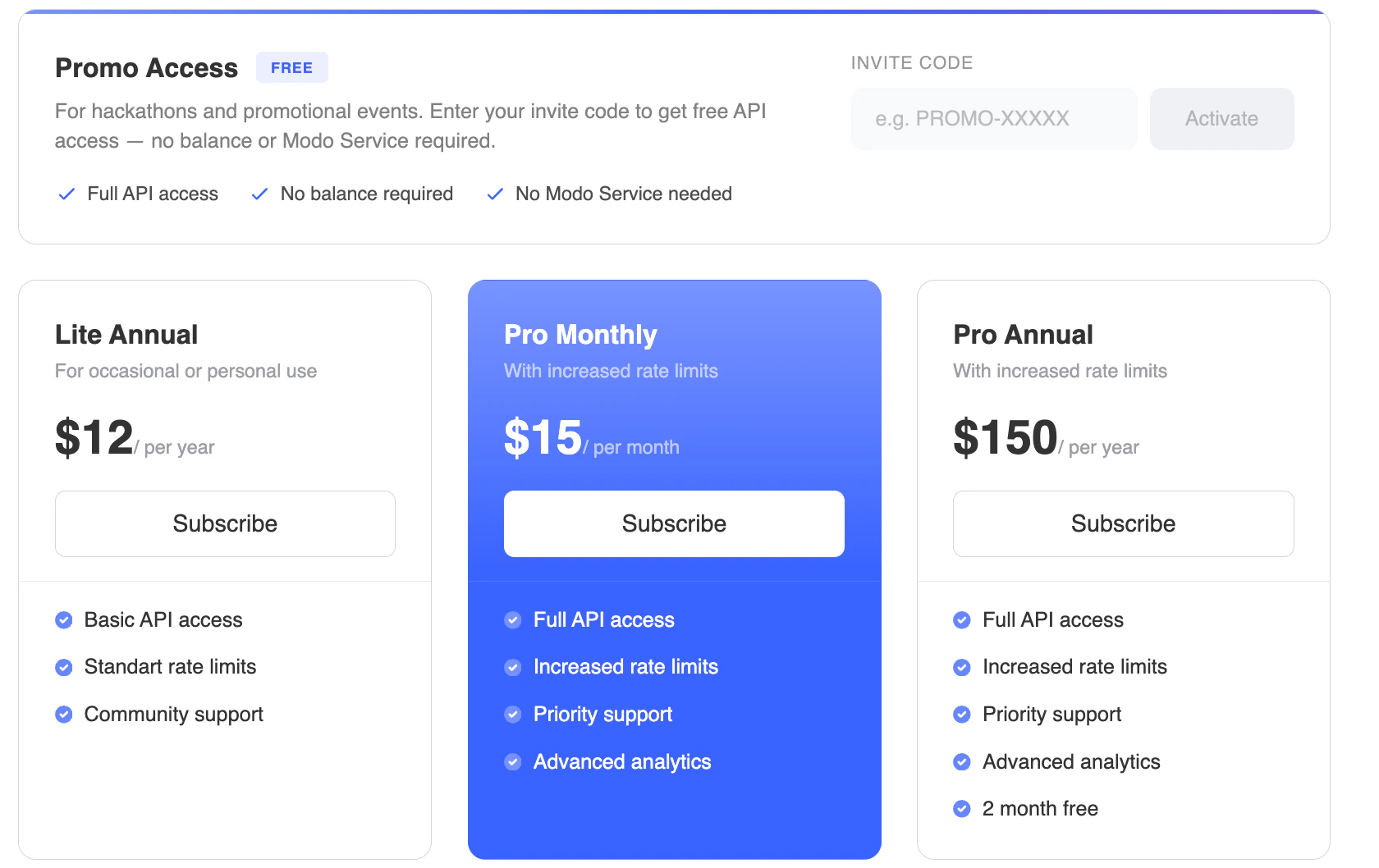
Promo codes are entered directly in the subscription page. At the top of the page, you will see the Promo Access block with an input field labeled Invite Code. This is the only place where codes are applied. To activate a promo code:- Enter your code in the Invite Code field
- Click Activate
- The system will automatically validate the code and apply the access