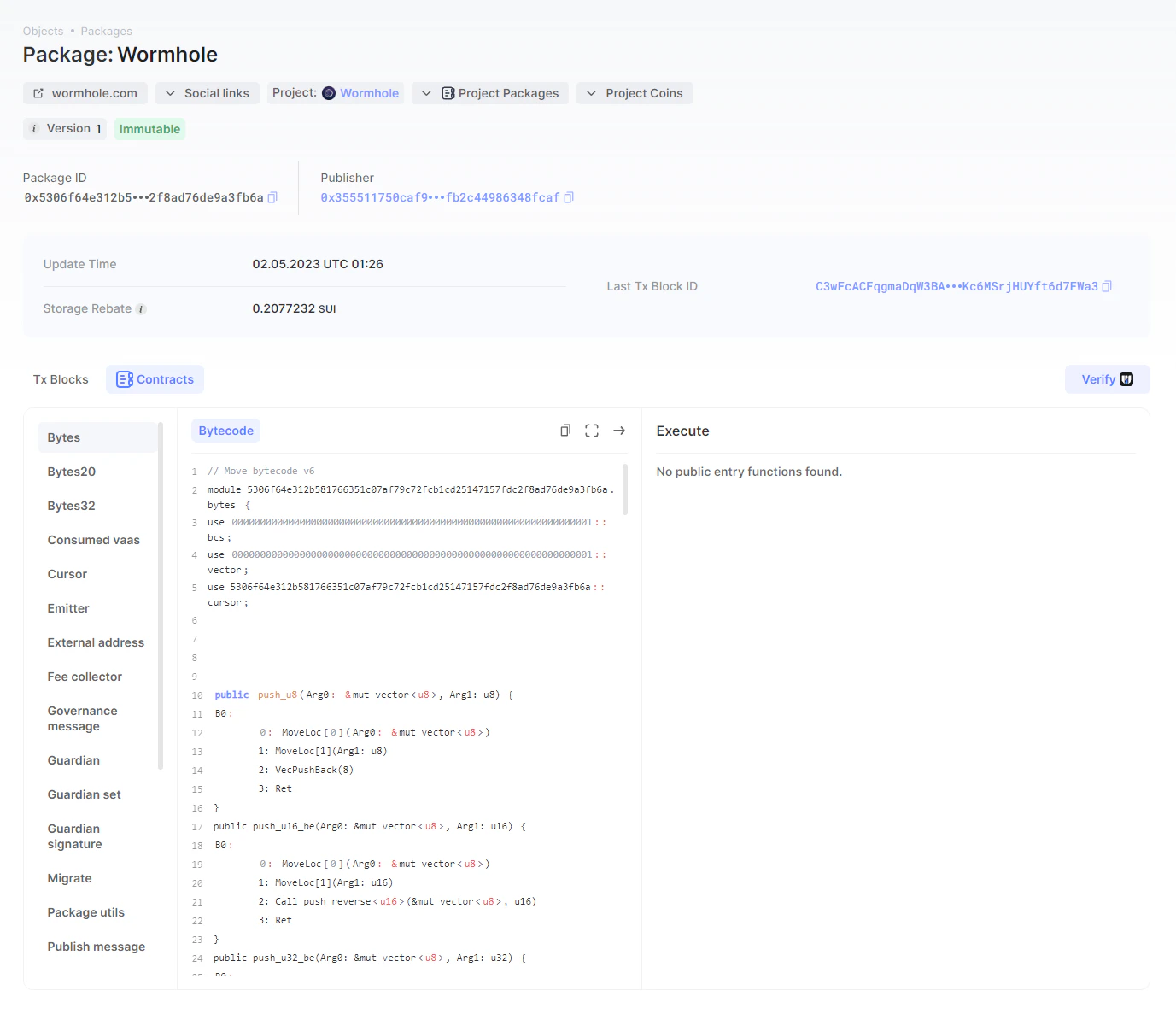
Smart contract verification is a highly demanded function to ensure the trustlessness of a blockchain. On the one hand, it allows developers to verify and publish their source code and thus authenticate the published smart contract. On the other hand, it provides transparency and ensures safety for users interacting with smart contracts.On Sui, smart contracts are called packages. Package verification is now available on Sui via Suiscan in partnership with Welldone Studio. The function checks that the source code provided by the published matches the package code deployed on-chain in the Move bytecode format.
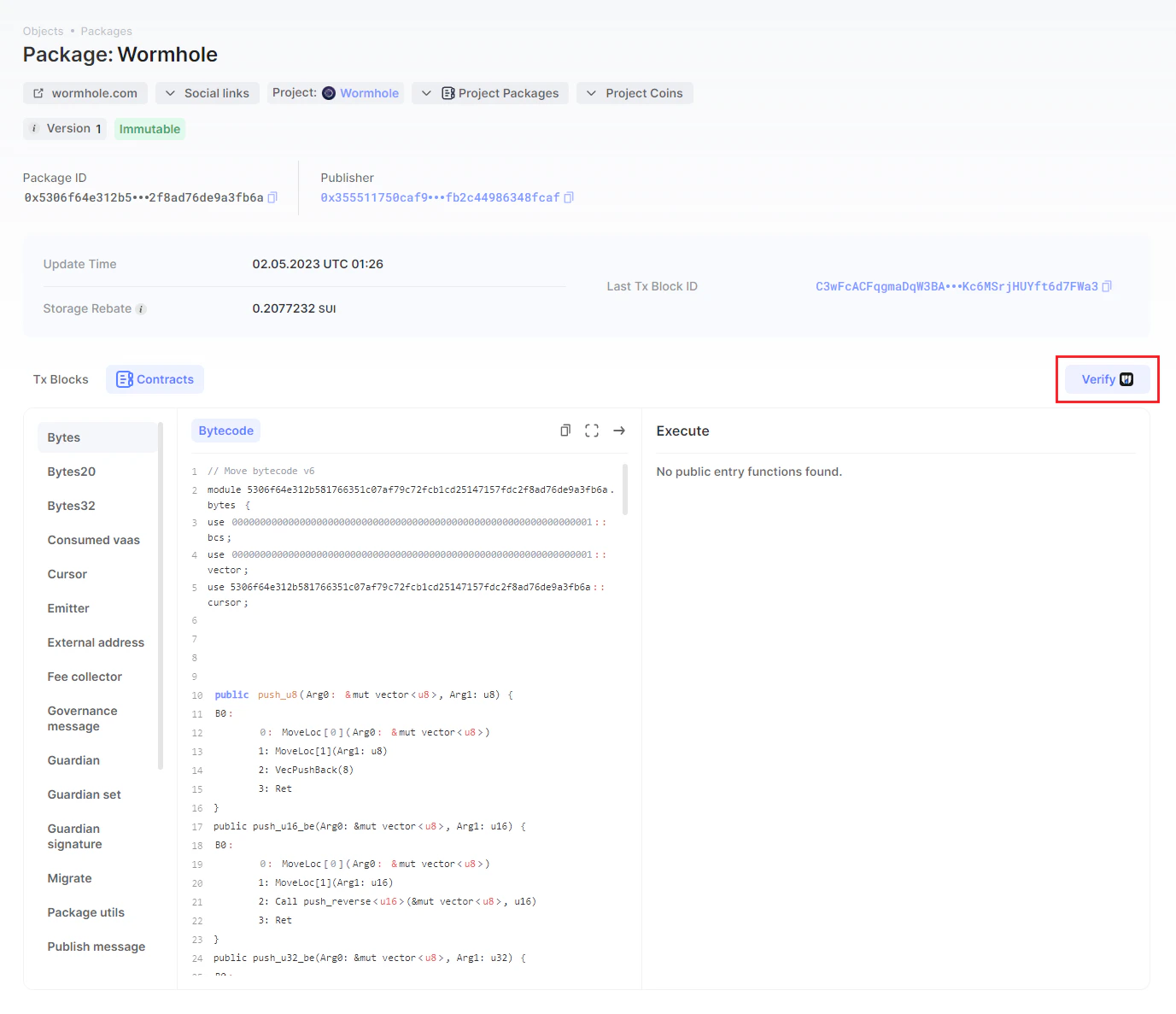
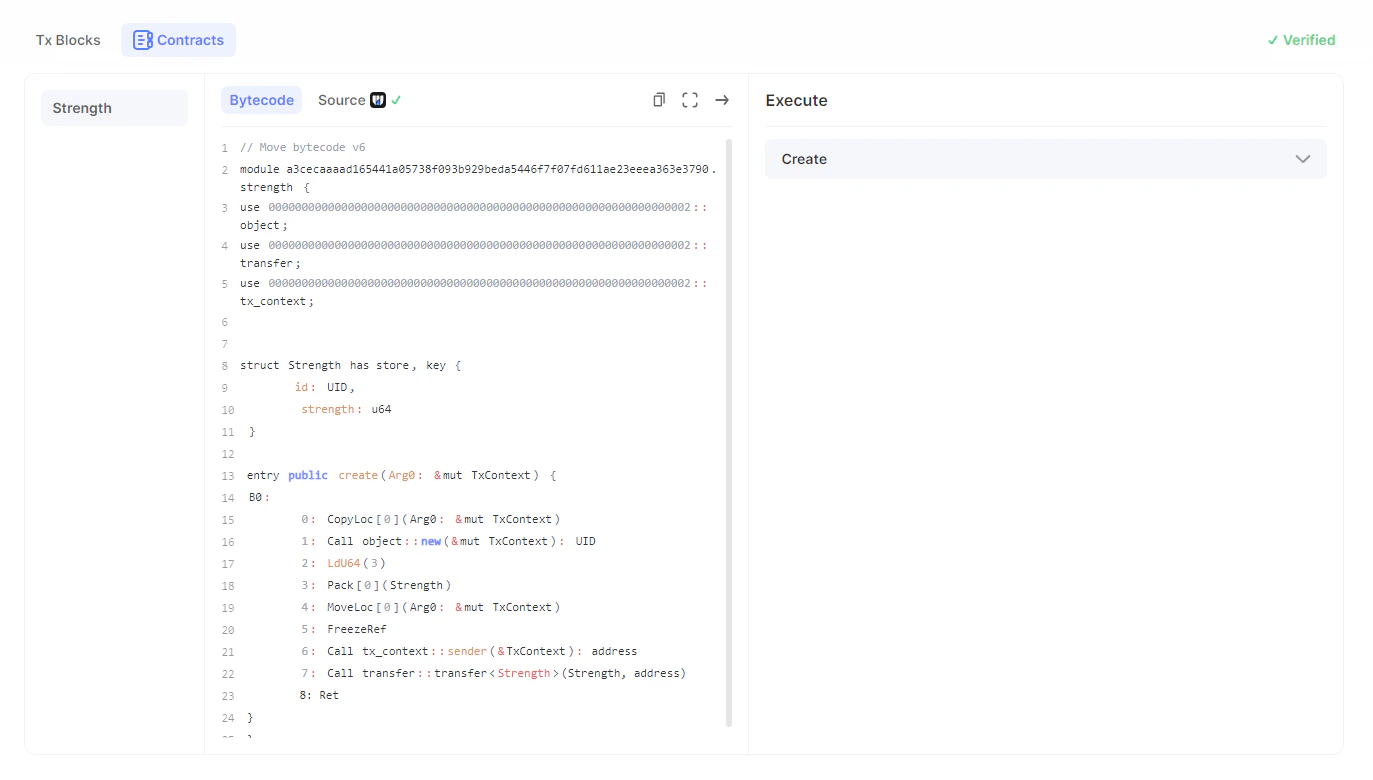
Go to the page showing the details of the package to be verified. If the package is already verified, two tabs will be available: Bytecode and Source Code. Otherwise, the Source Code tab will be missing.
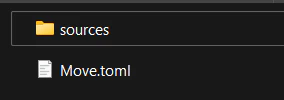
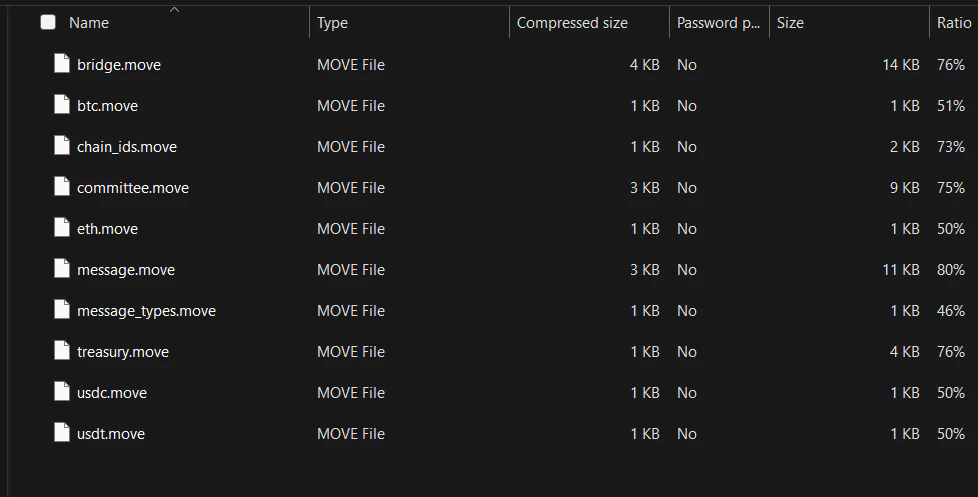
Make sure you have a zip file containing the source code on your device. It’s critical that it also has the toml-type file as a manifest of the package (read more about this file type here). A valid bridge.zip file should look like the one shown below.
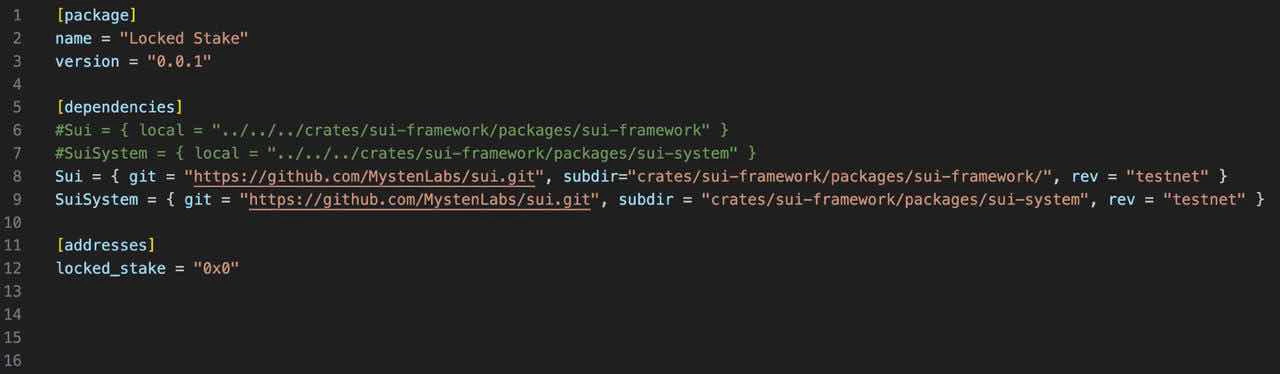
The verification operates when Move.toml dependencies are set to git, as shown on the screen below. Define dependencies as git, not local, as shown in the image below.
Click the Verify button. It will be activated only if the published package hasn’t been verified.
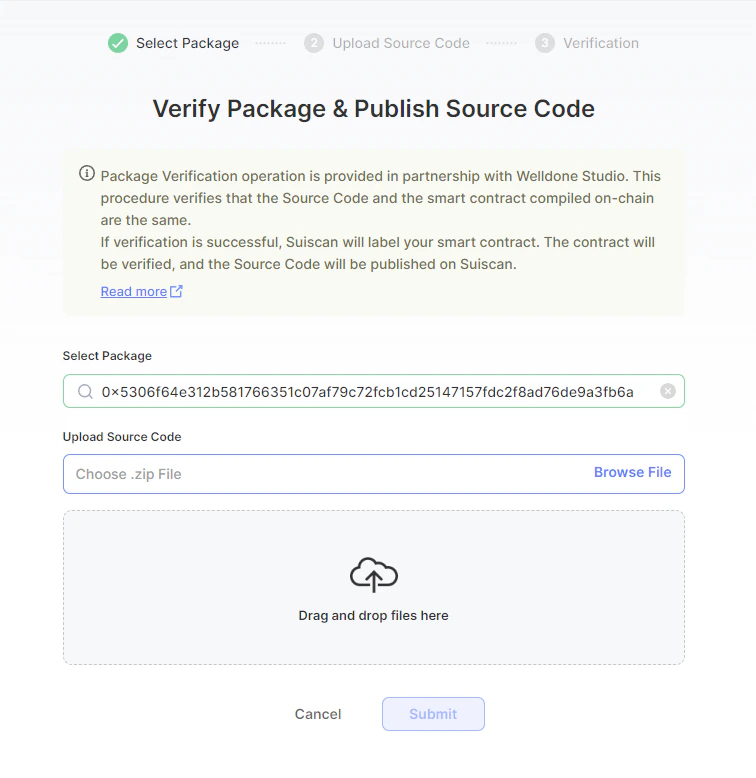
In the search line, enter part or full package ID of the package you want to verify. If the selected package has already been verified, it will be labeled.
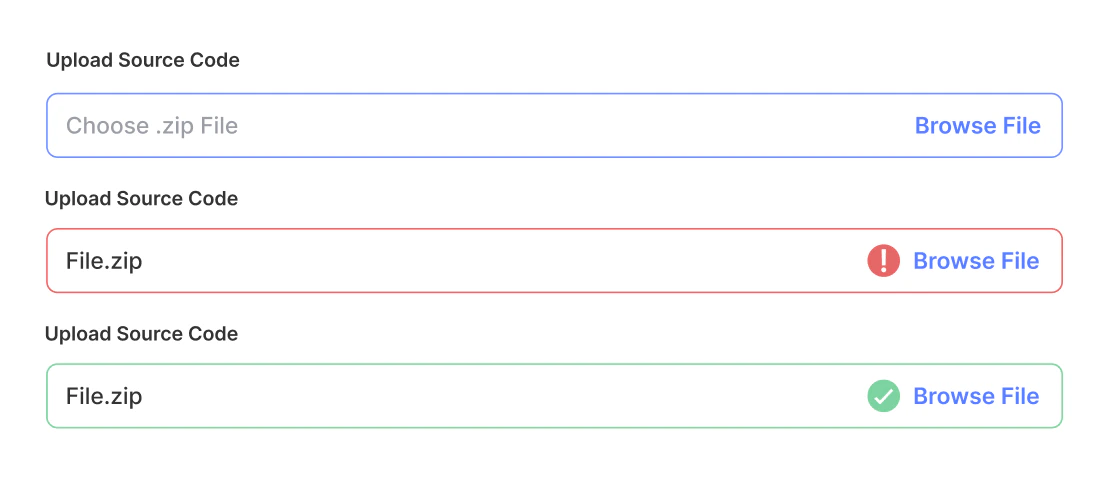
Upload the zip file containing the package source code from your device. You can click the Browse File button and select the file in the directory, or you can directly drag and drop the file to submit the source code for verification.
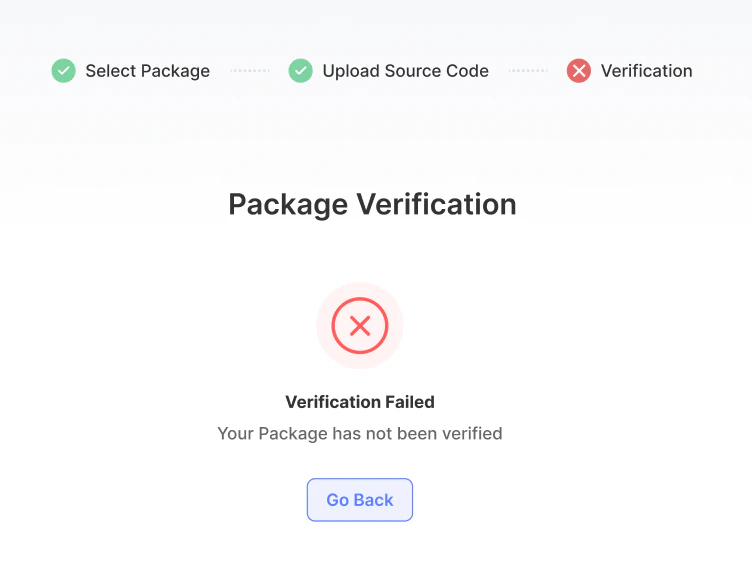
Unless you provide a valid zip folder having a toml-type file, the package verification will fail!
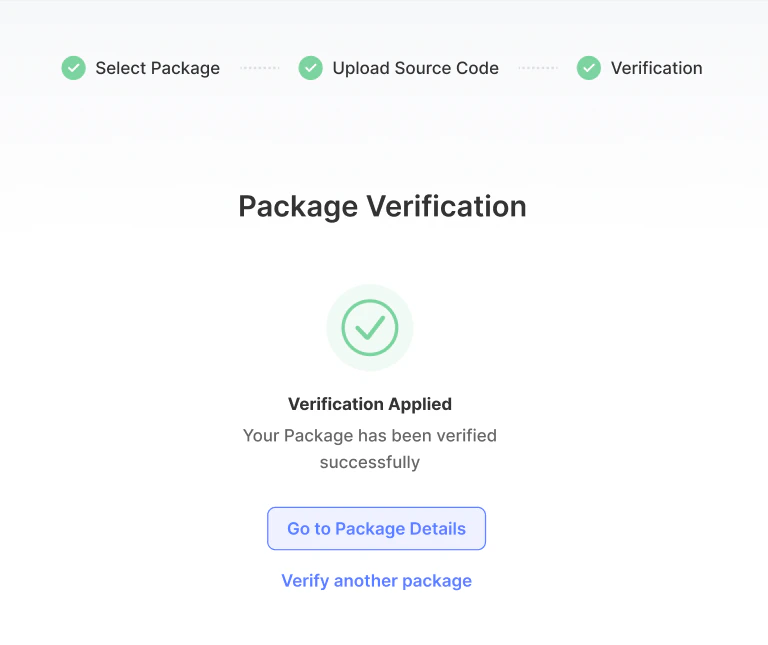
Now, wait until Welldone Studio checks the submitted source code for validity. The published package bytecode will be compared against the submitted source code. If they are the same, the package gets verified. Otherwise, the verification fails, and the smart contract remains unverified, though it is still published and available. As the verification check completes, you will see the result on the screen as shown below:After this, the Source Code tab will appear on the page showing your package details, as shown in the image below. From now on, the package will be labeled as verified.
Now that your package has been verified, you can be sure you have proven a trustworthy publisher.
As a user, if you call an unverified package, you are exposed to risk. Make sure you do your own research before using a package!
Assistant
Responses are generated using AI and may contain mistakes.